Your ninja came home with a flash drive packed with the videos and artwork they created this week.
Take some time to explore their projects together — and celebrate the creativity, effort, and tech skills they built up over the week.
What We Covered This Week
Throughout the camp, Ninjas explored the full AI-powered YouTube creator pipeline — from prompt to mascot to thumbnail to finished video — using Adobe Firefly, Microsoft Clipchamp, Canva, and YouTube Studio. Click any topic to expand.
AI Mascot Creation & Channel Launch
Met Adobe Firefly, Canva, Clipchamp, and YouTube Studio — the same tools real creators use
Learned the 5 Prompt Rules: WHAT (subject) → DETAILS → ACTION → STYLE → SETTING
Designed a 3-part AI mascot story — created the character, built the world it lives in, and captured a hero shot of it in action
Picked a channel name and handle, wrote a description, and designed a Canva logo for their own YouTube channel
Held a Prompt Battle — discovered that the AI doesn't change, the prompt does everything
Generative Fill & Channel Branding
Played the "Unbox Anything" challenge — generated a mystery box, then used Firefly's generative fill to reveal something surprising inside
Practiced Insert, Remove, Expand, and Select Background tools to transform parts of an image
Designed a custom channel banner in Canva and uploaded it to their YouTube channel
Learned the creator's rulebook — copyright basics, Fair Use, Creative Commons, and YouTube's Community Guidelines (warnings, strikes, and the 90-day rule)
AI Video & Channel Trailer
Generated an original AI superhero video using Adobe Firefly's text-to-video — picked a description, an object, and a superpower
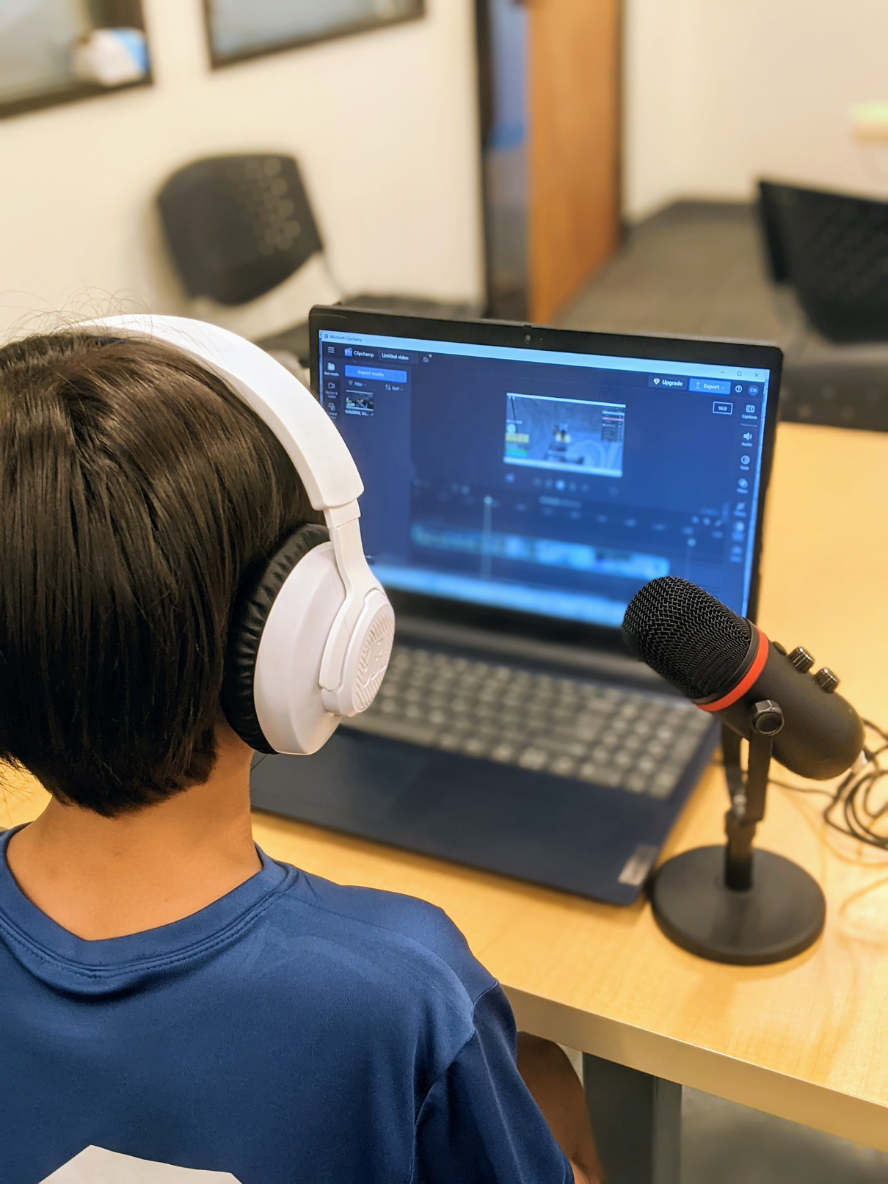
Met Microsoft Clipchamp — timeline, trimming, transitions, text overlays, and webcam recording
Built a channel trailer combining the AI video with a personal webcam intro, transitions, and a "subscribe" call-to-action
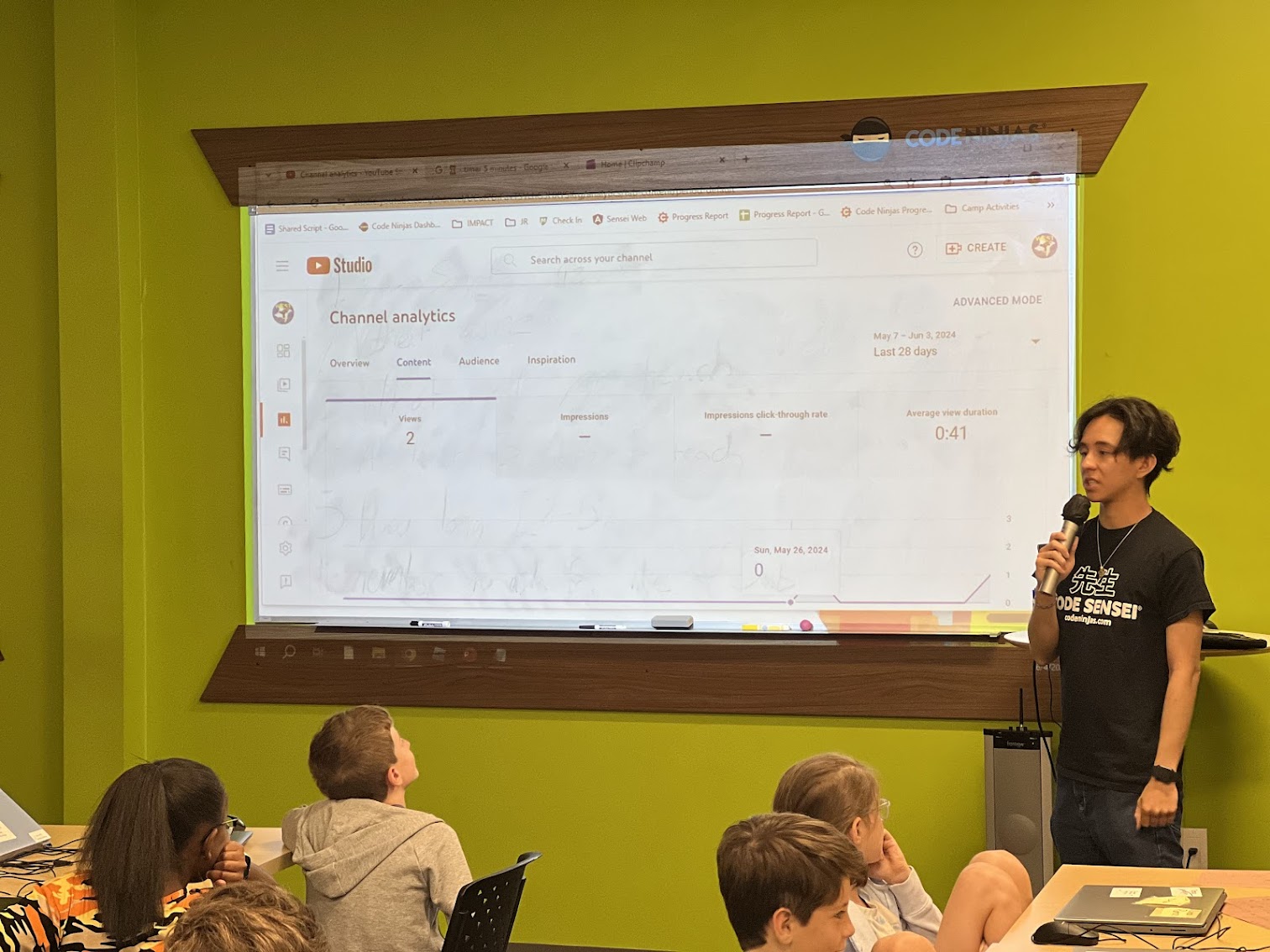
Toured YouTube Studio Analytics — views, watch time, Reach, and Audience tabs
Held a Viewing Party to watch each other's trailers
Sound Effects, Soundtracks & Thumbnails
Played the Wrong Sound Challenge — picked a video clip and generated intentionally wrong AI sound effects, then layered them onto the timeline
Learned the 4 elements of a soundtrack: Mood, Style, Energy, Tempo
Generated a custom soundtrack with Firefly's Generate Soundtrack tool — adjusted each element to match the video's vibe
Designed a click-worthy thumbnail in Canva — large bold text, bright colors — and uploaded it to YouTube Studio
Capstone Video & Film Festival
Storyboarded a 1–3 minute capstone video — picked from a fictional trailer, a fantastical animal video, a prank news report, or their own idea
Gathered media from Adobe Firefly, Pixabay, Pexels, and Mixkit — plus AI-generated images and sound
Edited in Clipchamp — trimmed clips, added transitions, title text, and a soundtrack
Watched a Sensei demo the full YouTube upload workflow — timestamps, cards, and end screens
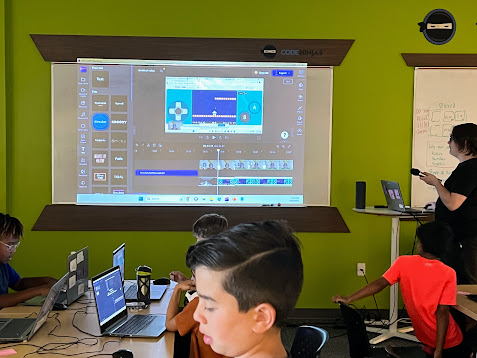
Wrapped with a Film Festival — gathered around the projector to watch each other's favorite videos and celebrate the week
What's Next?
Want your ninja to keep building? Code Ninjas® West Katy's CREATE program turns the spark of camp into a year-round 9-Belt journey — from white belt to black, building real games week after week with their own Code Sensei®. New students can start with our Summer of Code promo: 2 months for $299, ages 8–14. Promotion ends June 30.
Or come back for a FREE 30-minute trial to see if year-round is the right fit for your family.
.png)





.png)
.png)