Your Ninja built real electronics and coding projects this week — keep an eye out for what came home in their backpack!
The digital projects and coded games stay on our dojo computers. Your Ninja walked you through everything at our Friday Gallery Walk — ask them to retell their favorite part.
What We Covered This Week
Throughout the camp, Ninjas explored real electronics and beginner coding at a JR pace — using Makey Makey boards, micro:bits, Microsoft MakeCode, and Scratch. Click any topic to expand.
Conductivity & Playdough Controllers
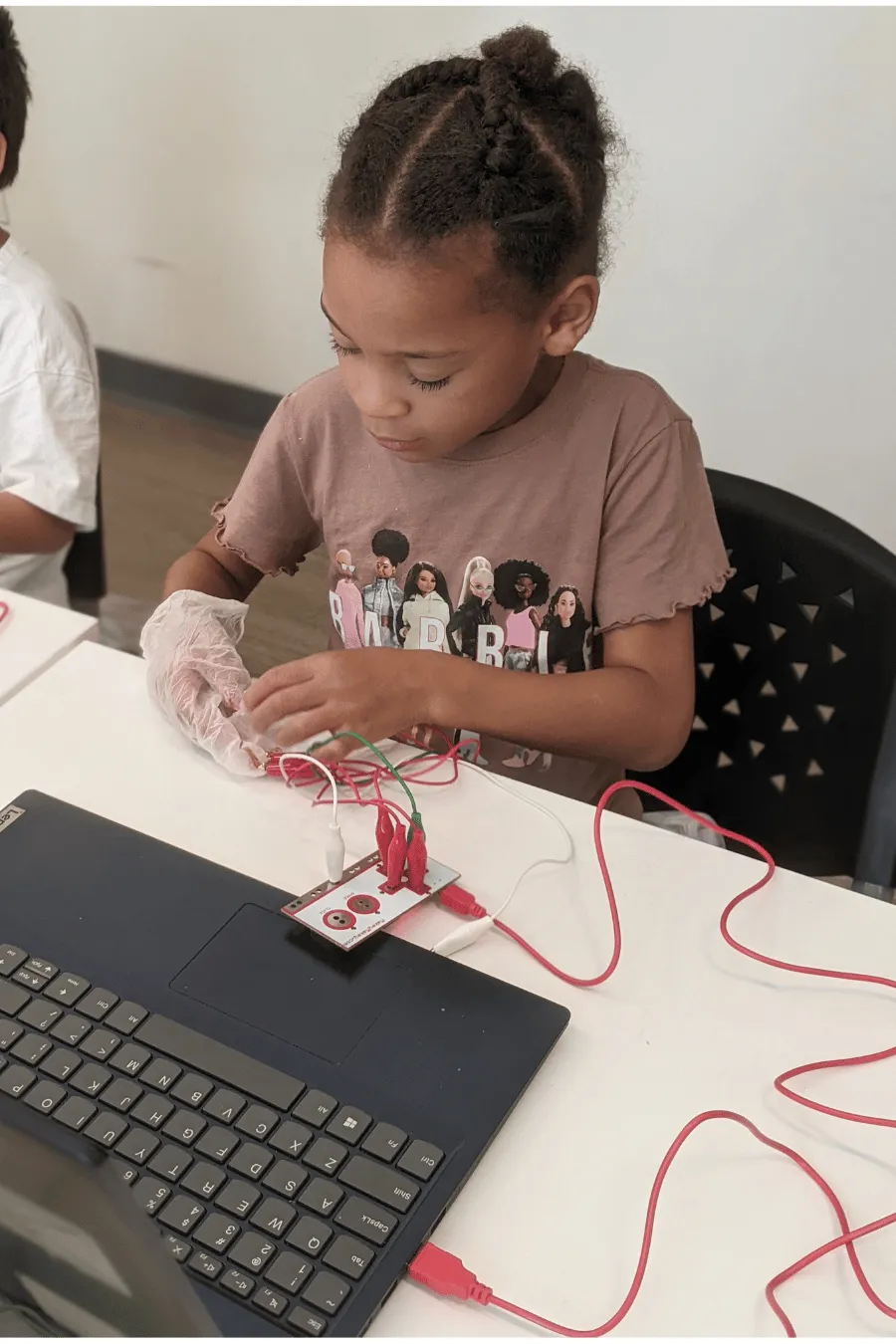
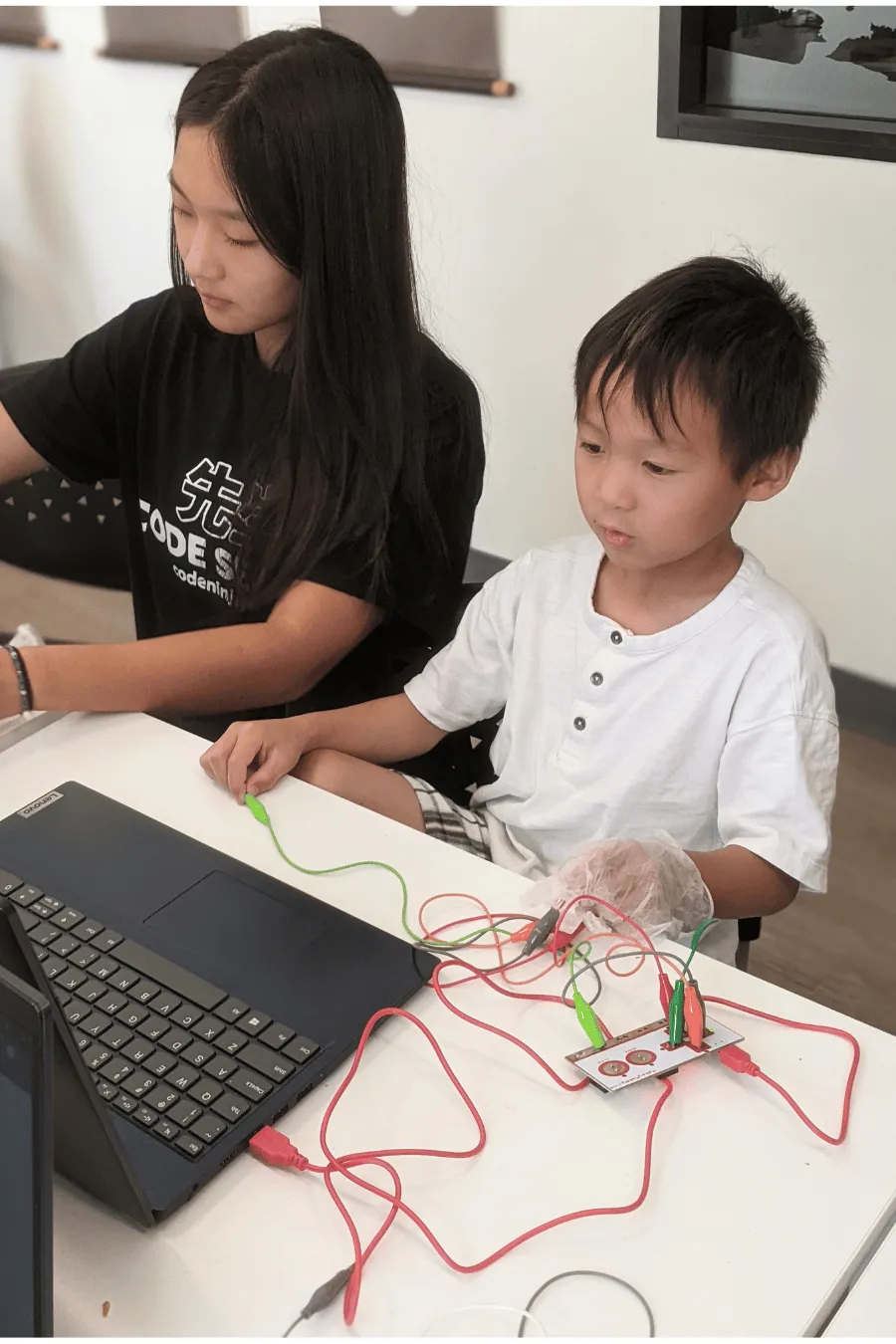
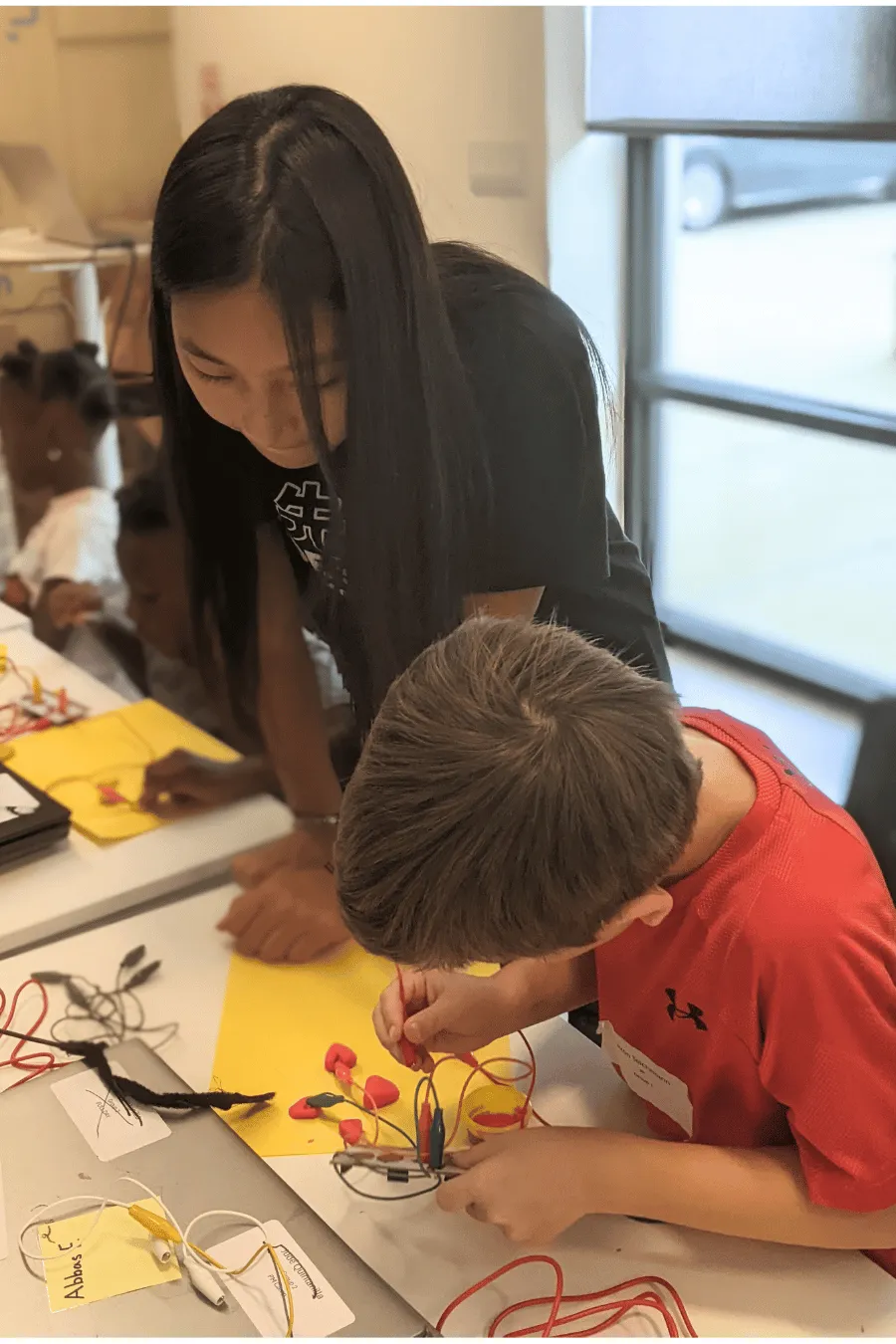
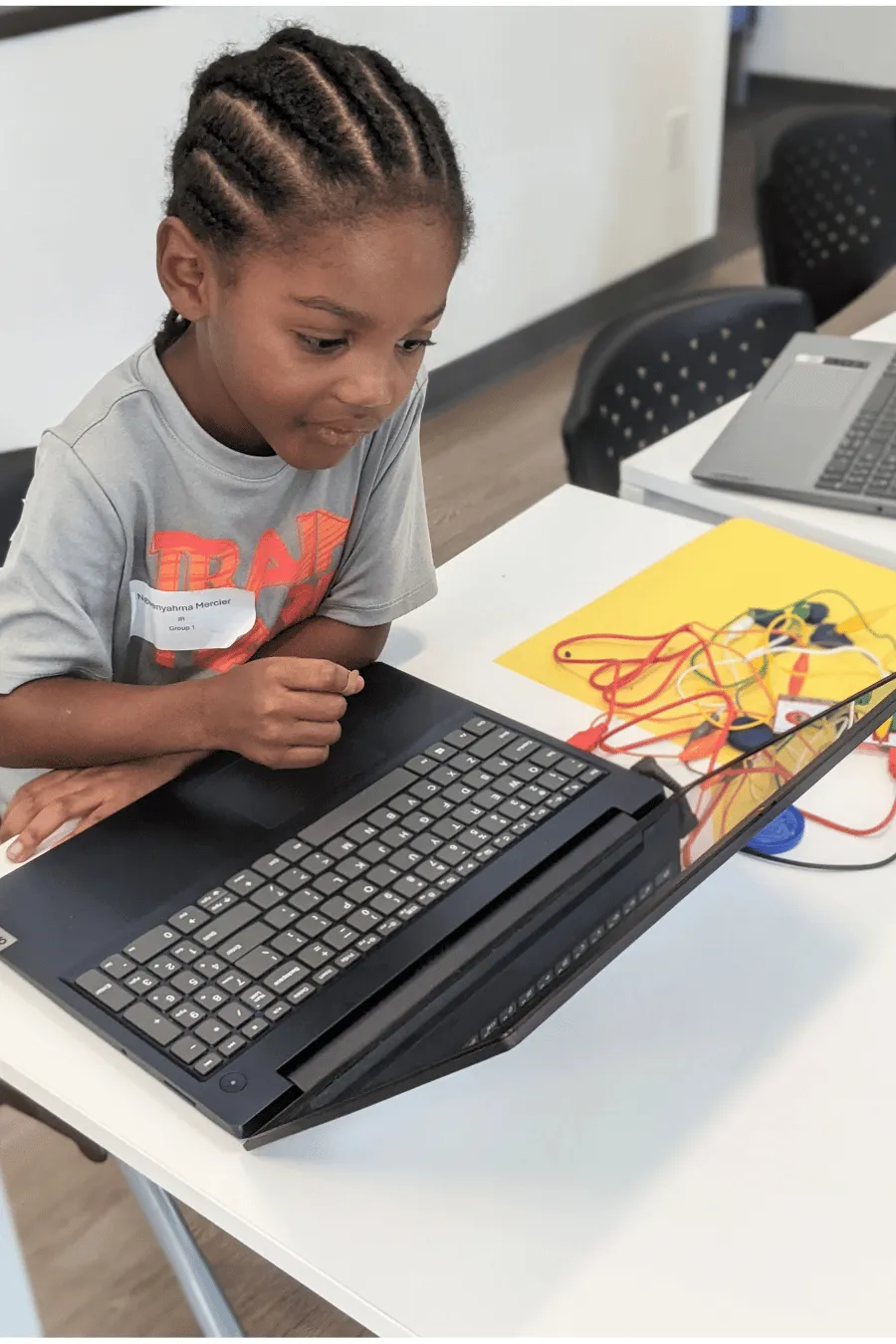
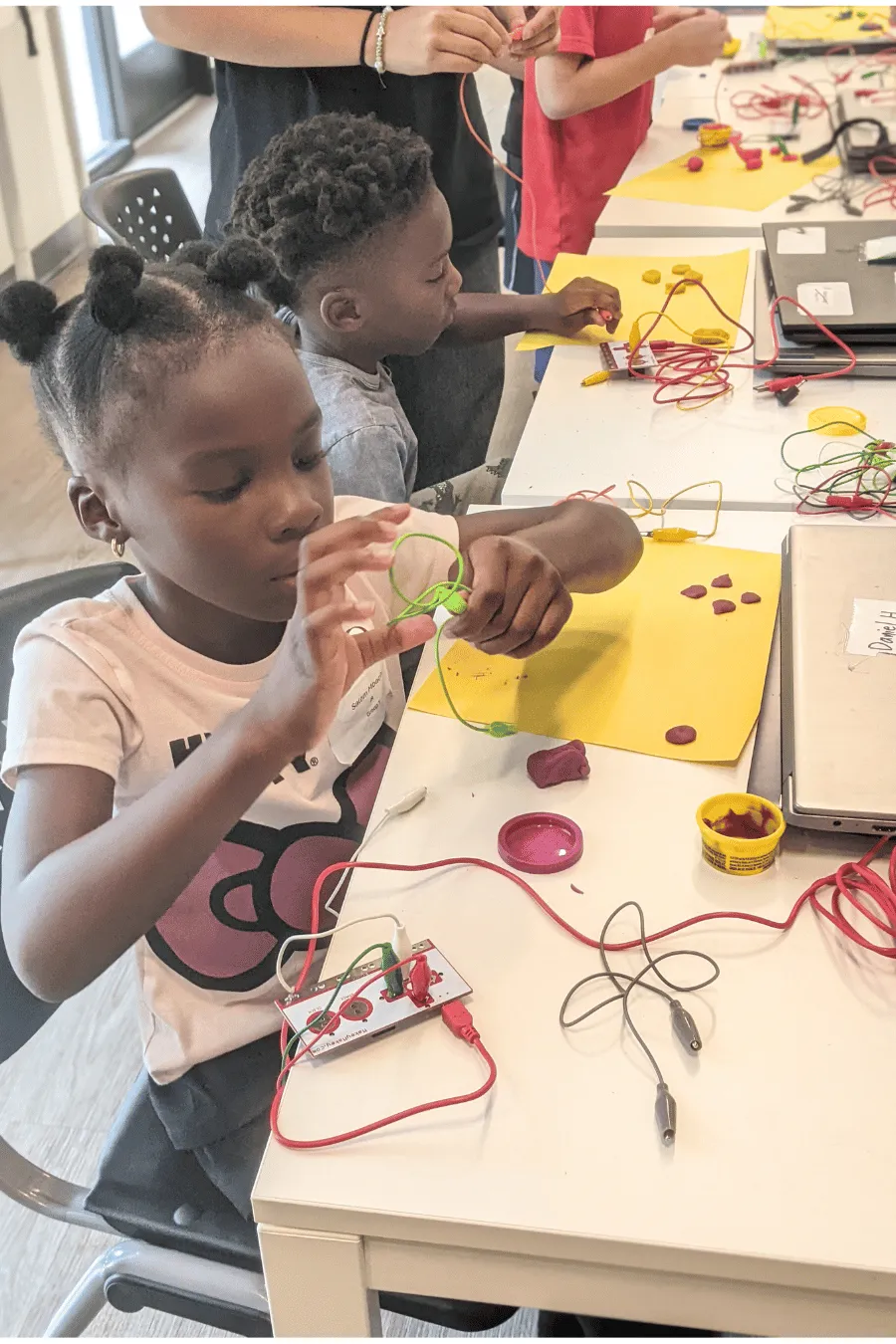
Met the Makey Makey — a small board that uses electricity and code to turn anything conductive into a controller
Tested everyday items in the "Is it Conductive?" challenge — fruit, foil, playdough, plastic forks, and more
Built a Playdough Ninja Controller with UP, DOWN, LEFT, RIGHT, and EARTH buttons — then played a Scratch game with it
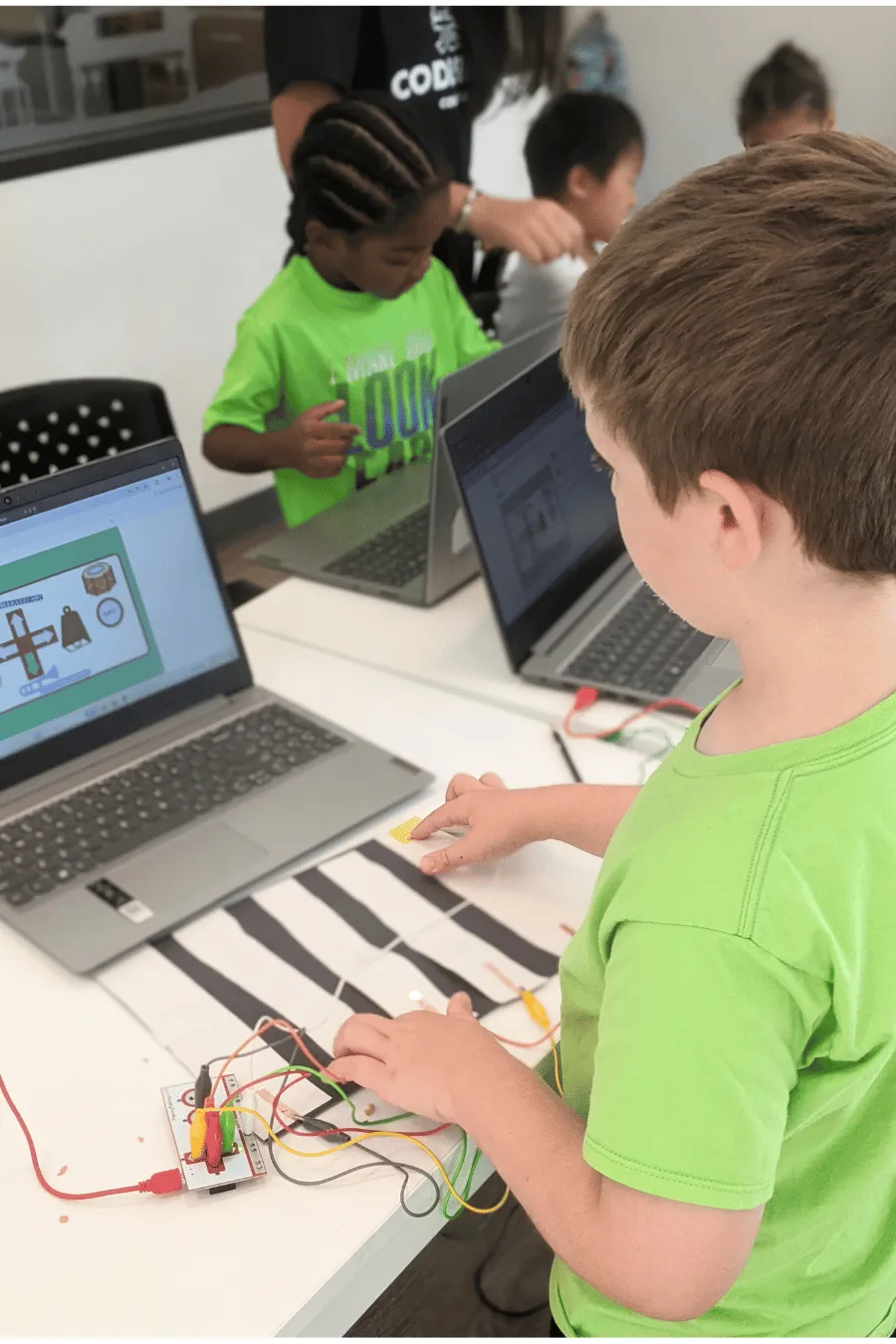
Powered fruit drums with the Bongos web app
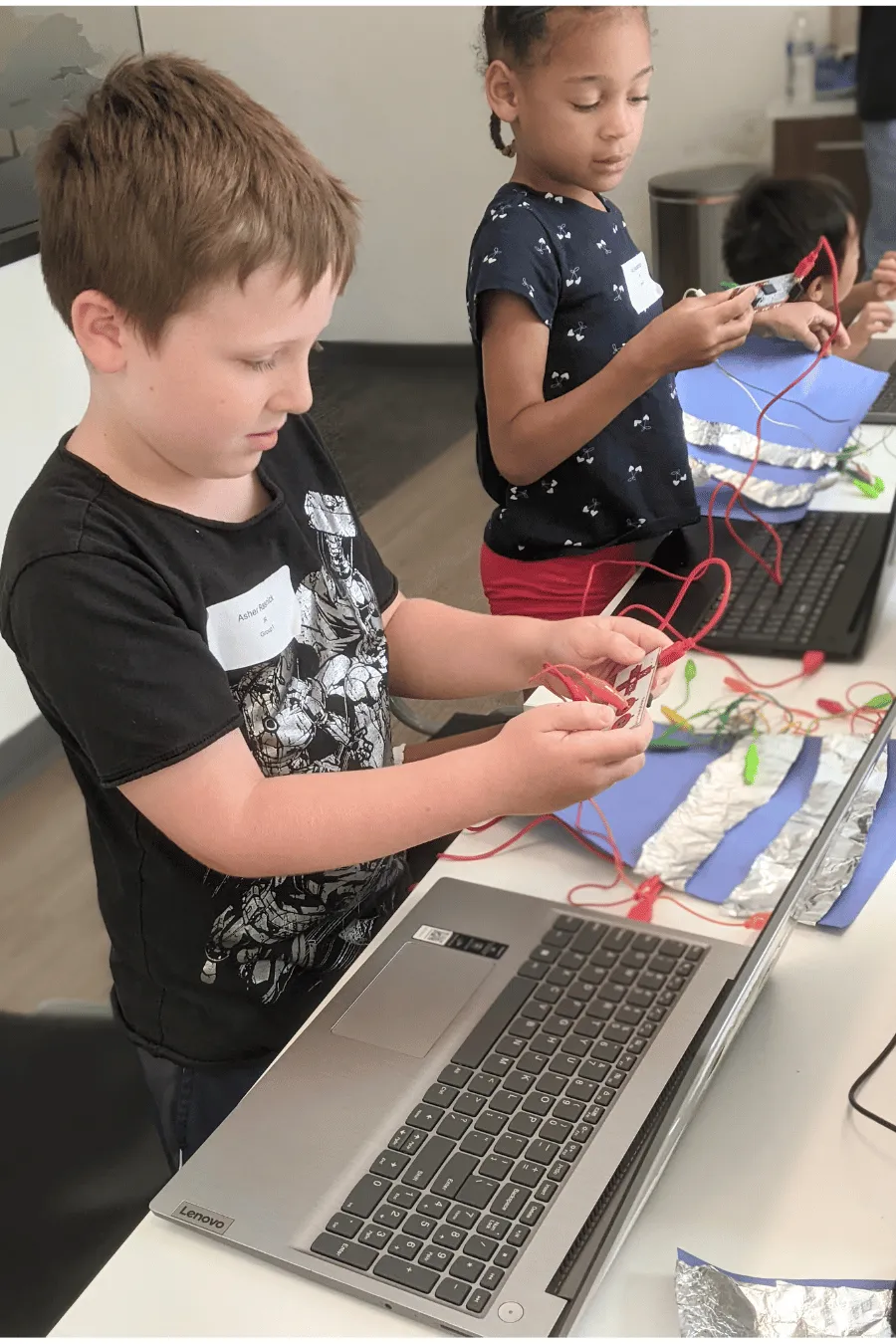
Wrapped with Catch the Fruits! — built a custom fruit-and-foil controller for a Scratch game they tweaked themselves
Makey Makey Music: Piano, Jam Party & Glove Controller
Built a Virtual Makey Makey Piano — set the number of keys, starting note, and scale type (Major, Minor, Chromatic)
Tinkered with Jam Party! — a remix-friendly Scratch music game
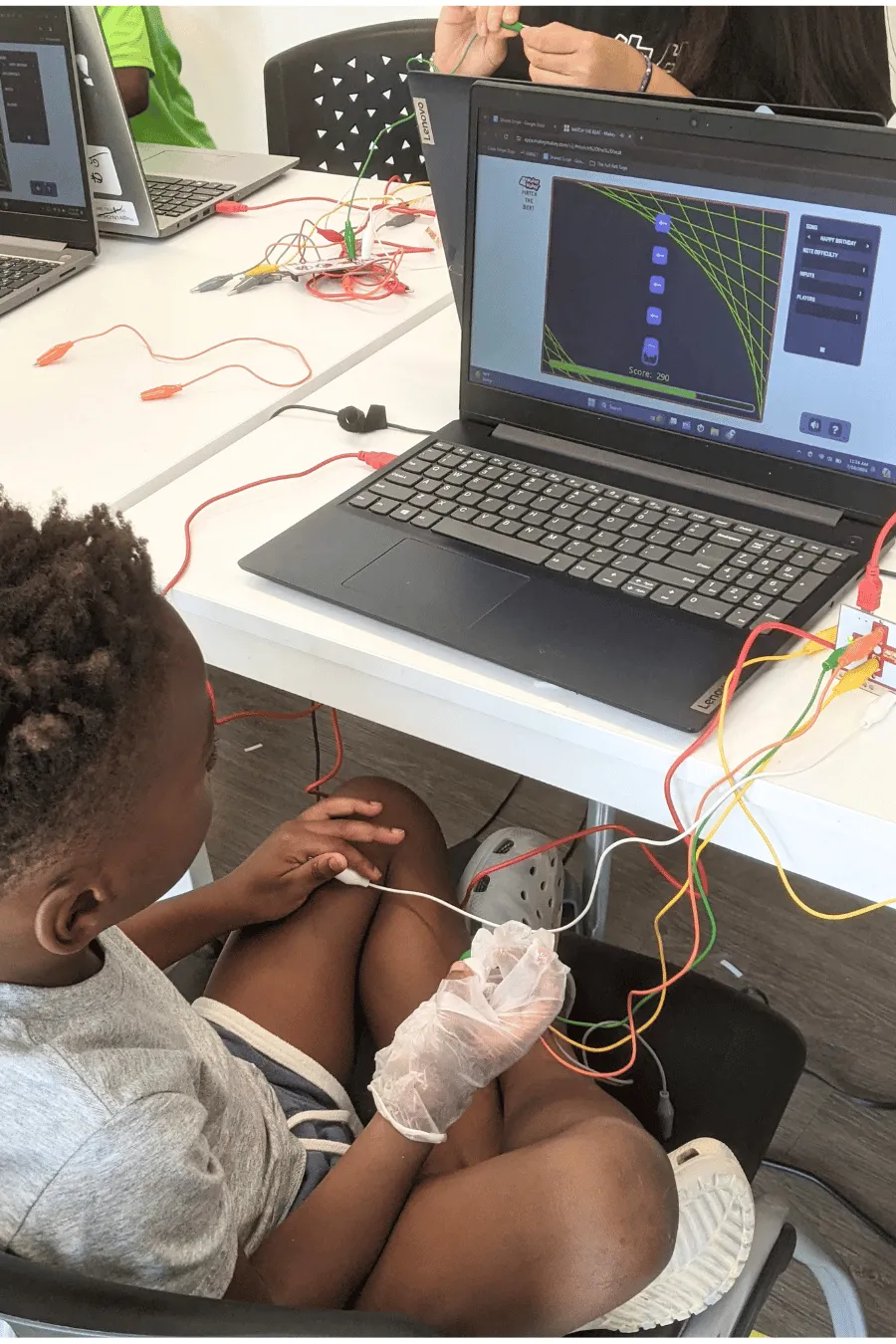
Built a wearable Glove Controller — alligator clips taped to a glove, each fingertip wired to a different note (touch fingertip to thumb to play music!)
Meet the micro:bit & Best Friend Robot
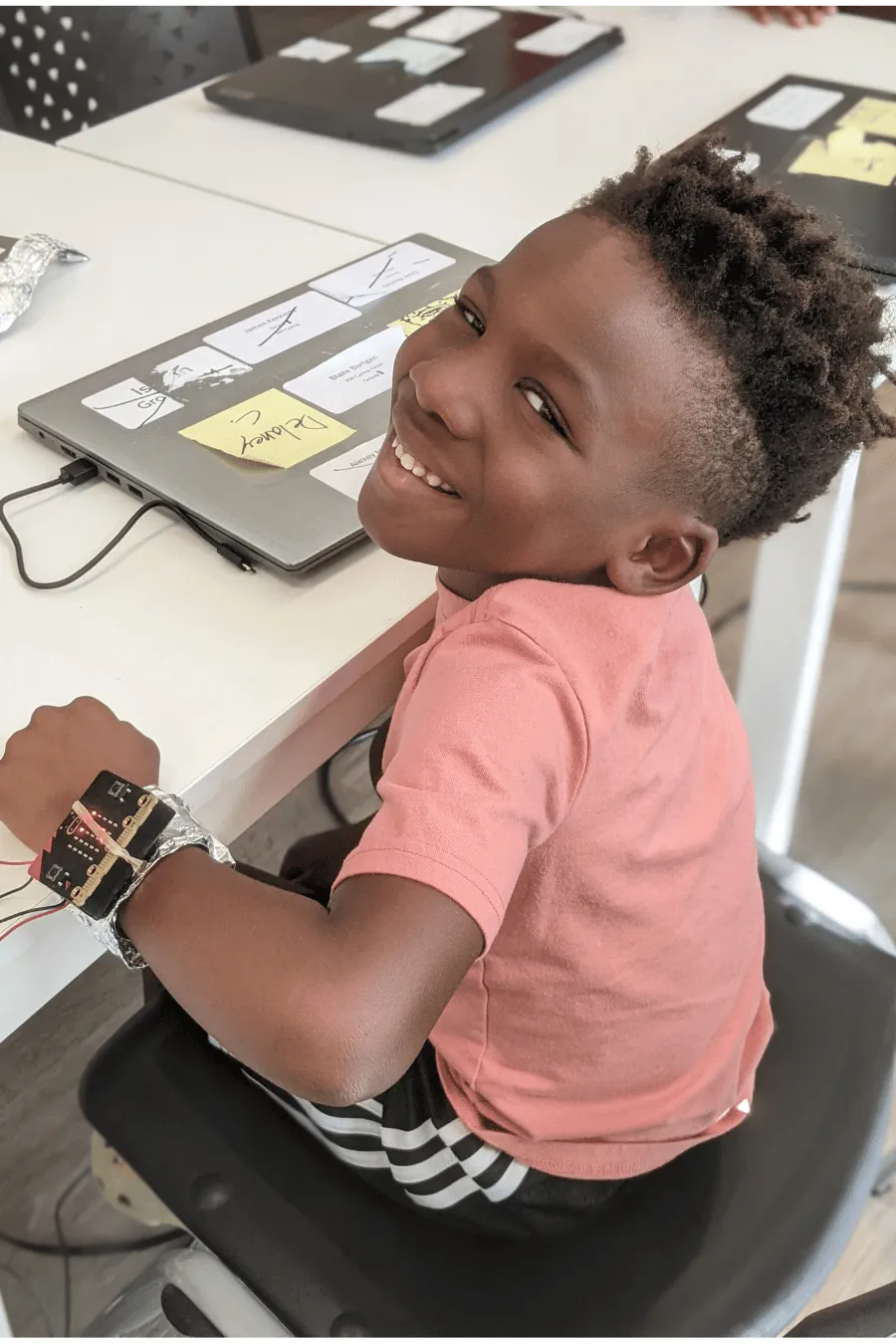
Met the micro:bit — a tiny computer with buttons, an LED screen, and built-in sensors
Compared the micro:bit and the Makey Makey — what's the same, what's different
Toured Microsoft MakeCode — the block-based coding interface for the micro:bit
Coded Rock, Paper, Scissors so shaking the micro:bit picks one — competed with friends
Built a Step Meter — taped the micro:bit to a shoe and counted steps with the accelerometer
Built a cardboard Best Friend Robot with a micro:bit chest — coded the LED screen to display friendly faces, sounds, and messages
Radio Maker & MP3 Player
Explored what makes a gadget — a device with a purpose — and revisited sound with the classic Paper Cup Phone
Built a Radio Maker — used the micro:bit's built-in radio to send short messages between two micro:bits (real wireless communication!)
Coded a Jam MP3 Player — connected headphones to the micro:bit's pins and played songs they programmed in MakeCode
Capstone & Friday Gallery Walk
Picked a favorite Makey Makey project from the week — improved it, customized it, and prepped it for parents
Picked a favorite micro:bit project — same treatment, more polish
Gave each other Glow + Grow feedback during a class playtest
Wrapped with the Friday Gallery Walk — parents walked through every Ninja's projects and heard them share "my favorite project was…", "because…", and "something new I learned…"
What's Next?
Want your ninja to keep building? Pick what's next:
JR Program → — year-round JR adventure for ages 5–7, coding, robotics, and creative tech taught at a JR pace
JR LEGO Robotics & Coding — build and code simple robots using LEGO SPIKE Essential kits
.png)


.png)
.png)