.png)
Your Ninja built a real 5-page personal website this week — here's how to open it at home in four steps:
.zip file. You should see the website's .html, .css, .js files and an assets folder inside.index.html — it should open in Chrome, Edge, or Safari. Your ninja can navigate through all 5 pages of the site they built.index.html → "Open with Live Server" and the page reloads automatically every time they save a change.Throughout the camp, Ninjas wrote real HTML, CSS, and JavaScript by hand — using VS Code, Live Server, and Chrome (the same tools real web developers use every day) — and learned how to use Claude.ai as a coding assistant the right way. Click any topic to expand.
index.html — headers, paragraphs, images, links (internal and external)main.cssfav-food.html with a sidebar (ingredients + steps) and a main content area<ul>) for ingredients and ordered lists (<ol>) for recipe steps.image.featured img { border-radius: 8px; }id="..." to style a single list item differently from the rest<tr>), header cells (<th>), data cells (<td>)opinions.html with at least 3 columns and 5 rows of their own opinionsborder-collapse: collapse, padding, border, and colored header rowstr:nth-child(even)hobbies.html with images, text, and styled sectionsgames.html with JavaScript event handlers and countersgames.html with a Quiz game — questions, answer checking, score tracking, all in JavaScriptWant your ninja to keep building? Code Ninjas® West Katy's CREATE program turns the spark of camp into a year-round 9-Belt journey — from white belt to black, building real games week after week with their own Code Sensei®. New students can start with our Summer of Code promo: 2 months for $299, ages 8–14. Promotion ends June 30.
Or come back for a FREE 30-minute trial to see if year-round is the right fit for your family.
Sign up for Summer of Code » Book a free trial »Hey there, Code Ninjas family — we'd love your help.
If your ninja had a great week, a 5-star Google review takes 30 seconds and helps another family find us.
★★★★★ Leave a Google review →Show us your review at pickup and your ninja picks a little Code Ninjas thank-you — wristband, pencil, lanyard, or another ninja goodie. Hi-Yah!
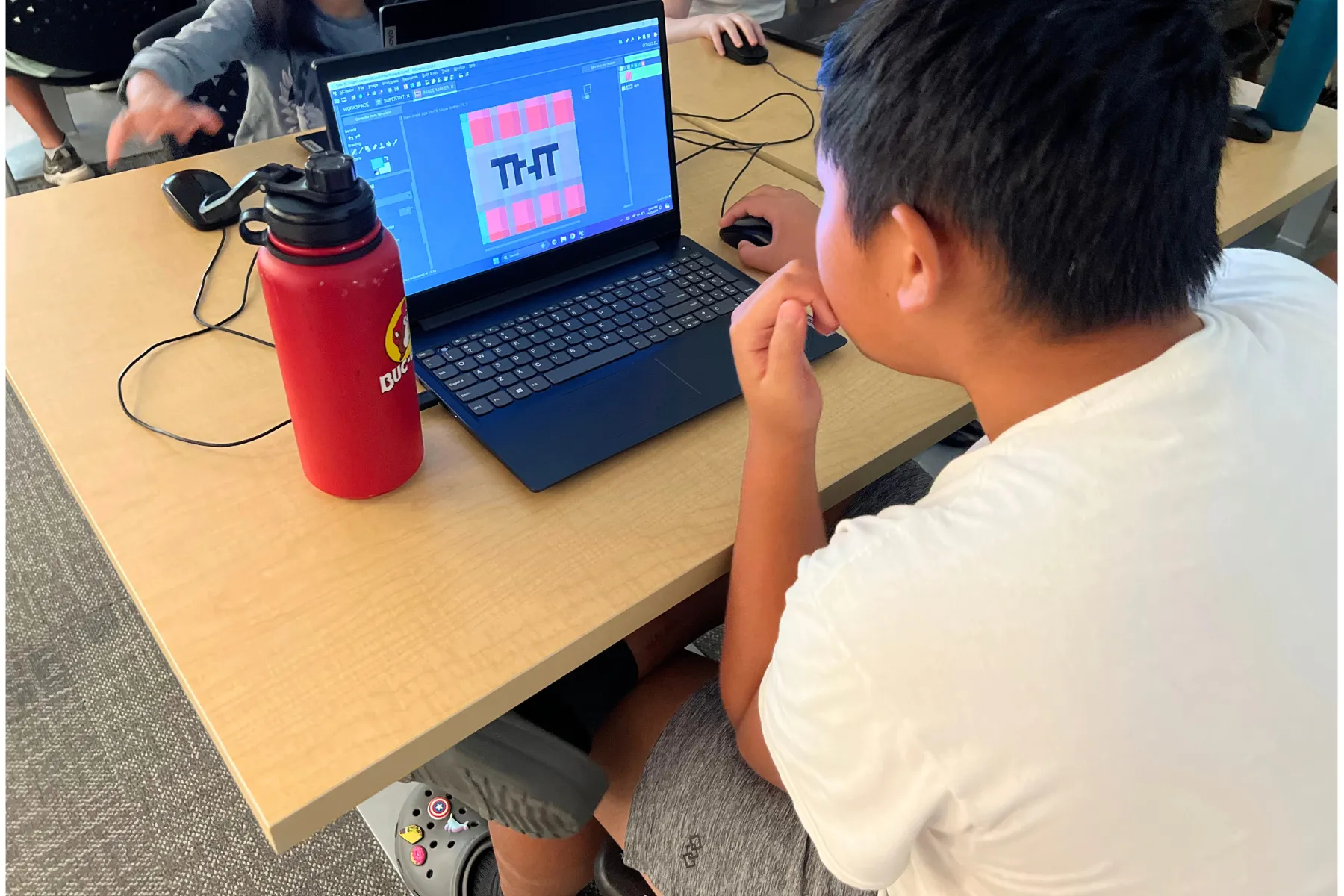
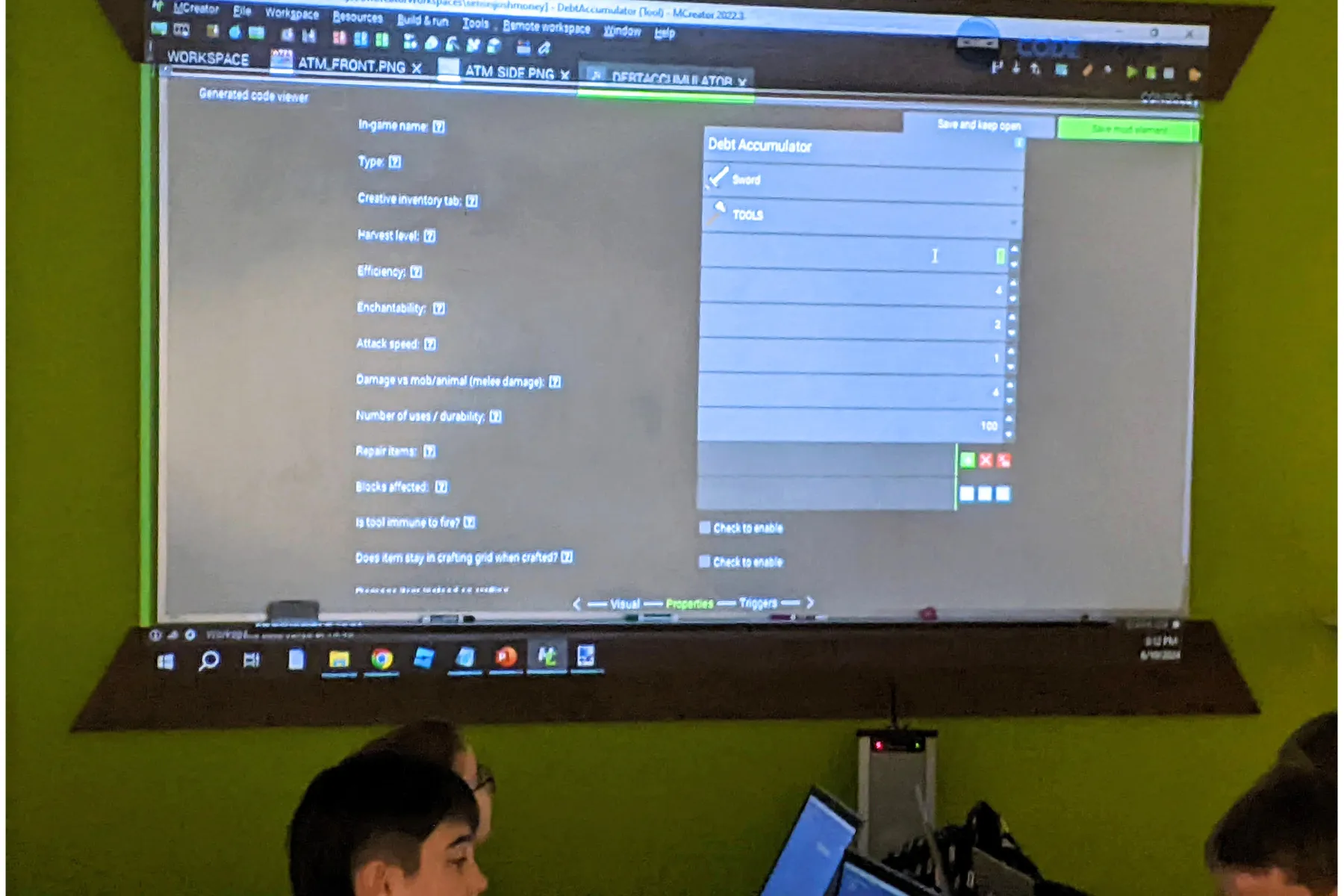
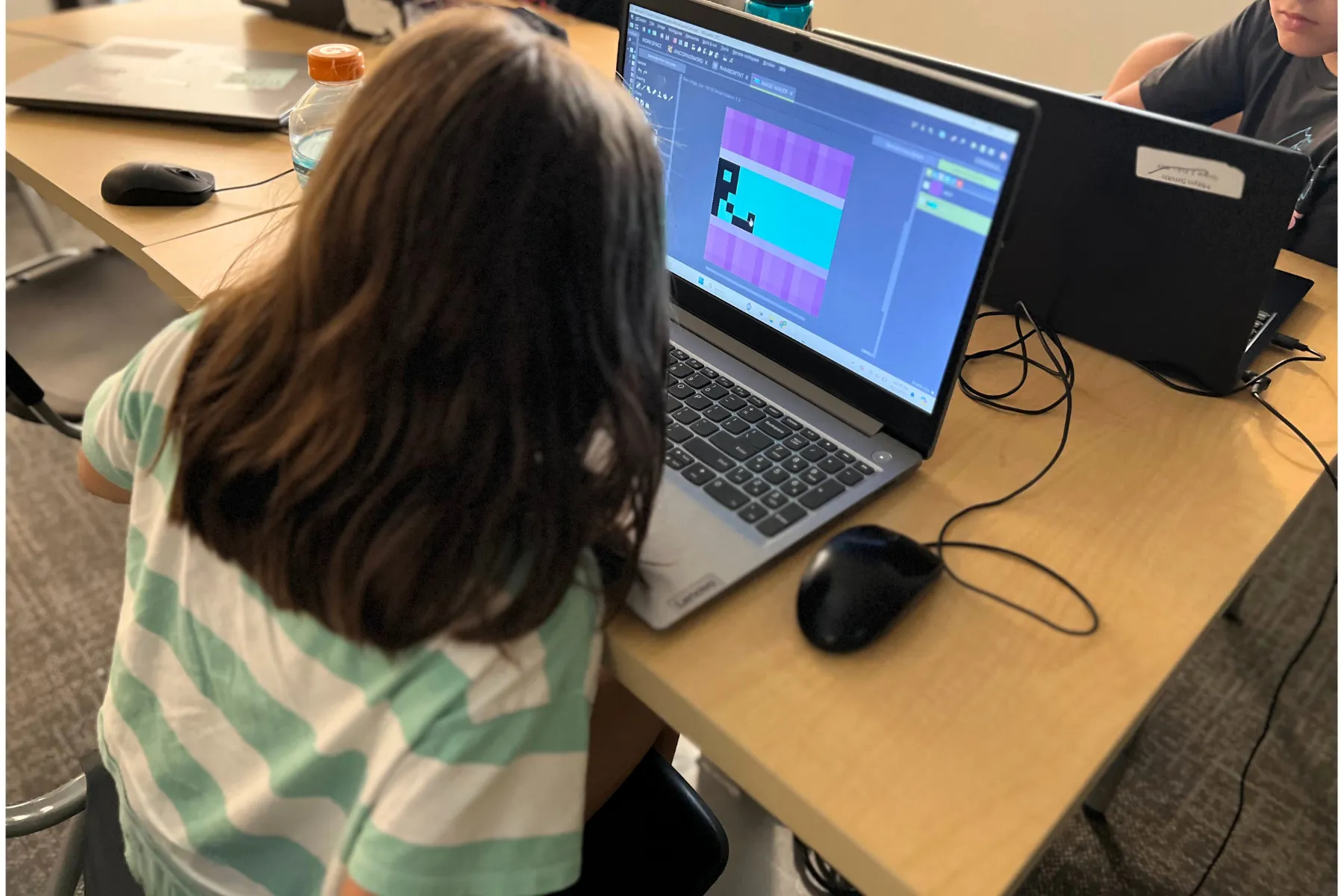
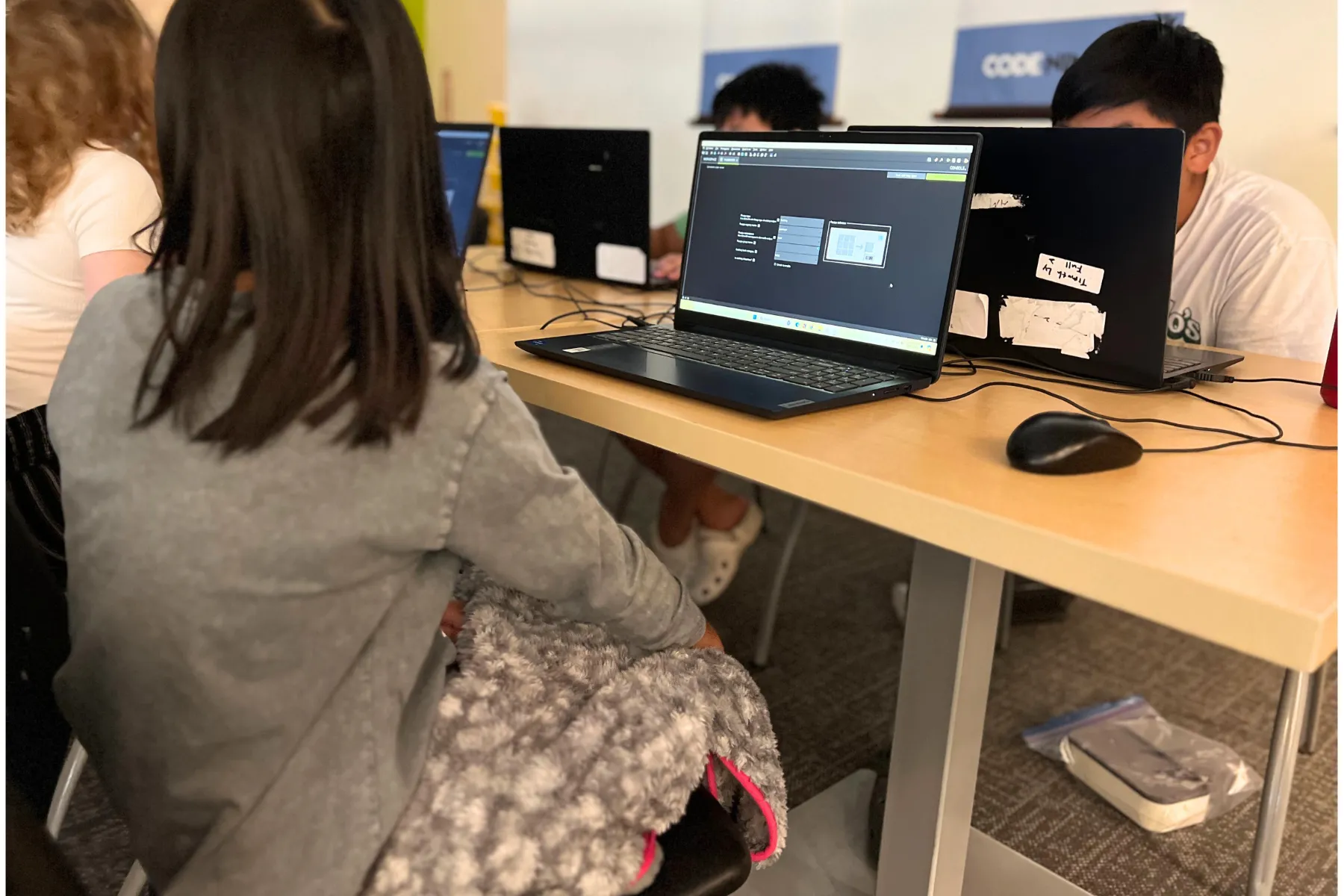

.png)
.png)
Feel free to call or text us during business hours. Please note: our doors open only when classes are in session.