YouTube AI Production Studio

How to Access Projects

Your ninja came home with a flash drive packed with the videos and artwork they created this week.

Take some time to explore their projects together — and celebrate the creativity, effort, and tech skills they built up over the week.

What We Covered This Week

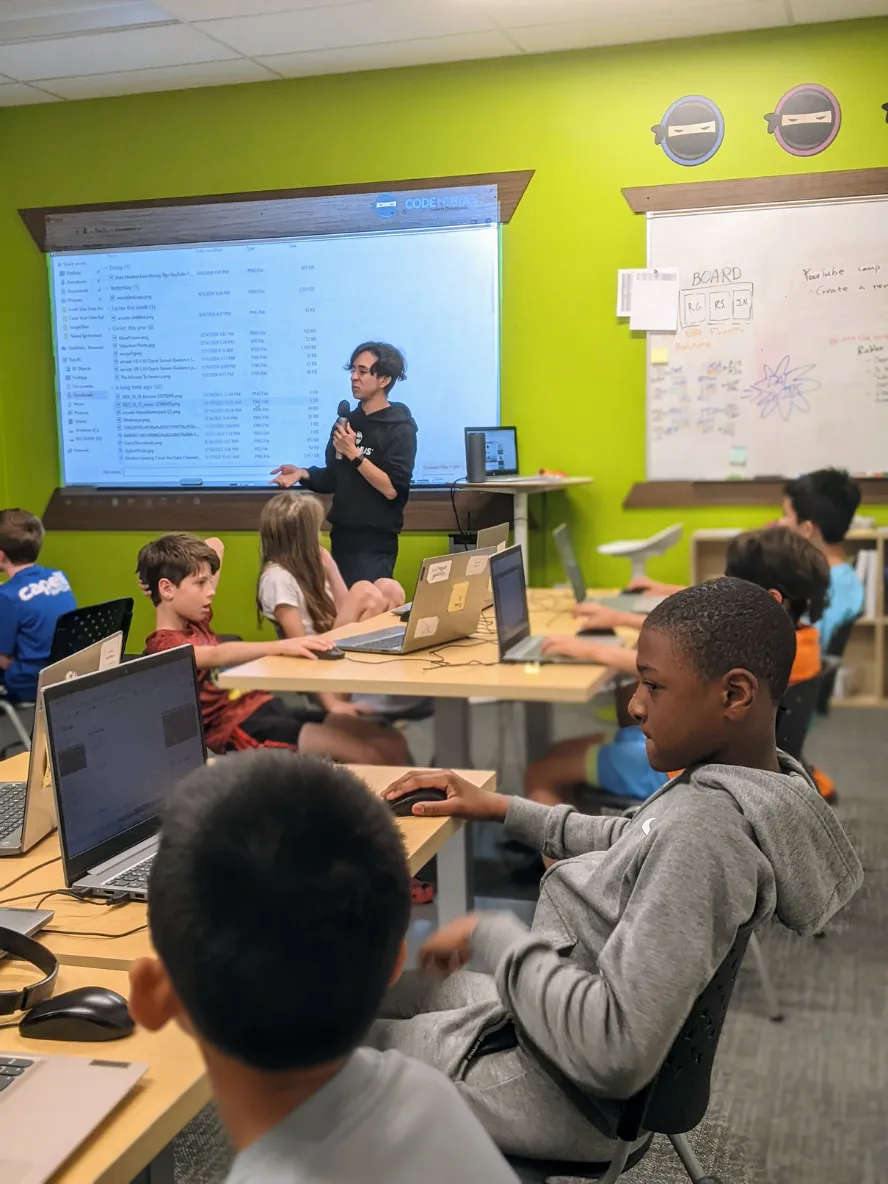
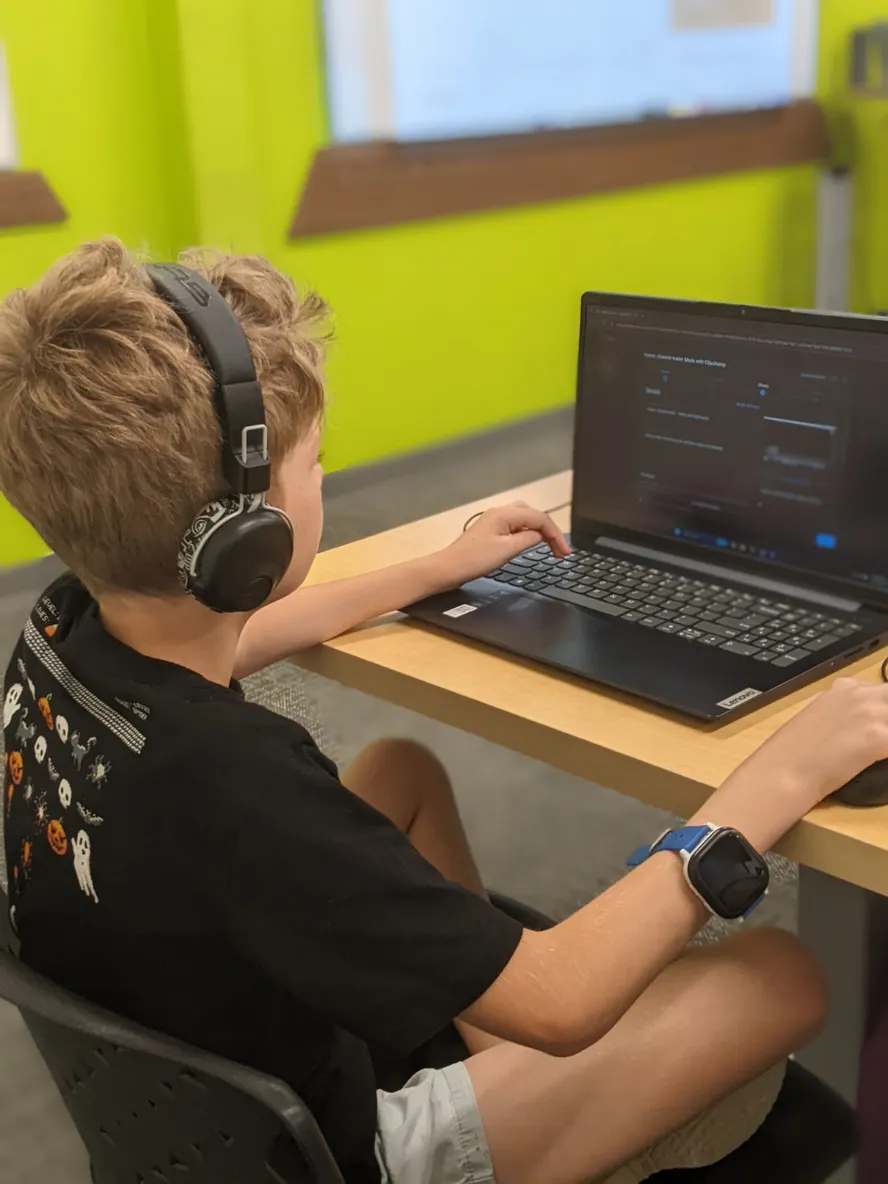
Throughout the camp, Ninjas explored the full AI-powered YouTube creator pipeline — from prompt to mascot to thumbnail to finished video — using Adobe Firefly, Microsoft Clipchamp, Canva, and YouTube Studio. Click any topic to expand.

AI Mascot Creation & Channel Launch
  • Met Adobe Firefly, Canva, Clipchamp, and YouTube Studio — the same tools real creators use
  • Learned the 5 Prompt Rules: WHAT (subject) → DETAILS → ACTION → STYLE → SETTING
  • Designed a 3-part AI mascot story — created the character, built the world it lives in, and captured a hero shot of it in action
  • Picked a channel name and handle, wrote a description, and designed a Canva logo for their own YouTube channel
  • Held a Prompt Battle — discovered that the AI doesn't change, the prompt does everything
Generative Fill & Channel Branding
  • Played the "Unbox Anything" challenge — generated a mystery box, then used Firefly's generative fill to reveal something surprising inside
  • Practiced Insert, Remove, Expand, and Select Background tools to transform parts of an image
  • Designed a custom channel banner in Canva and uploaded it to their YouTube channel
  • Learned the creator's rulebook — copyright basics, Fair Use, Creative Commons, and YouTube's Community Guidelines (warnings, strikes, and the 90-day rule)
AI Video & Channel Trailer
  • Generated an original AI superhero video using Adobe Firefly's text-to-video — picked a description, an object, and a superpower
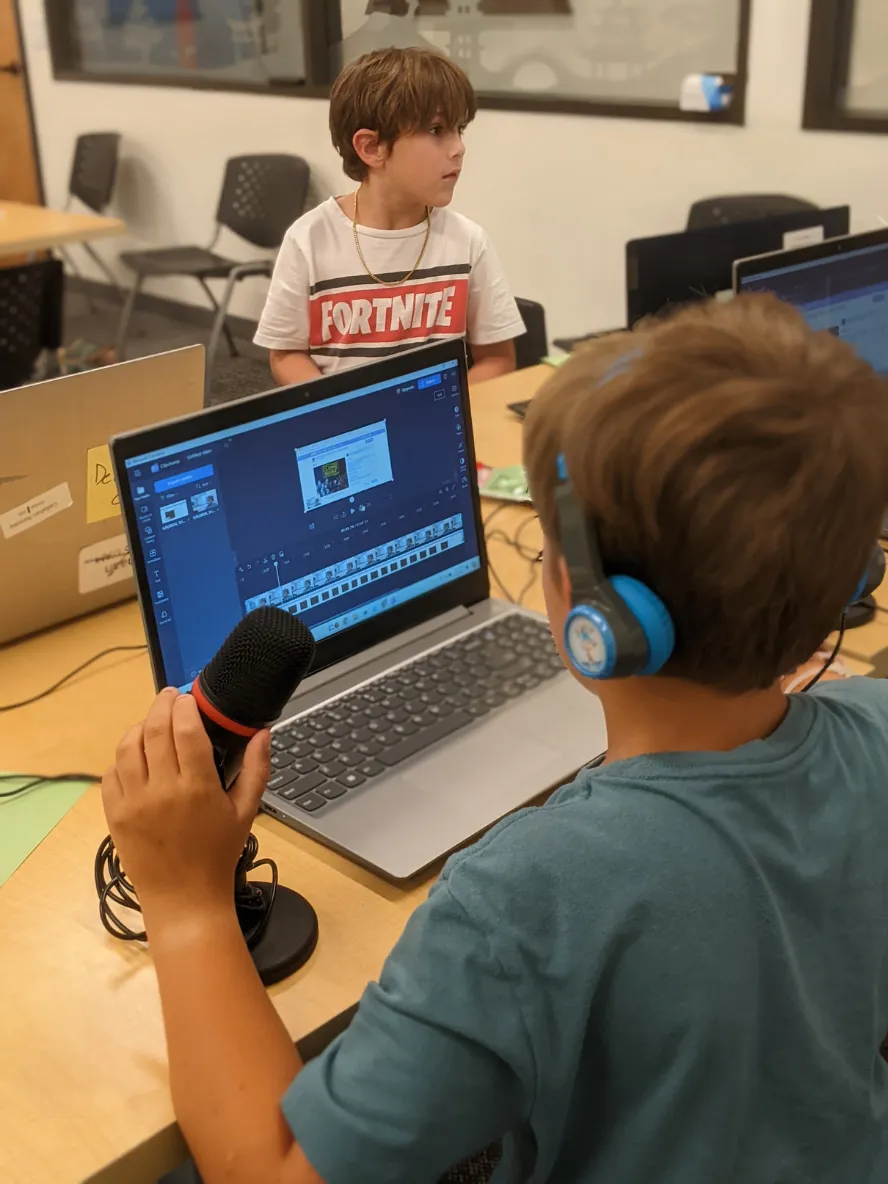
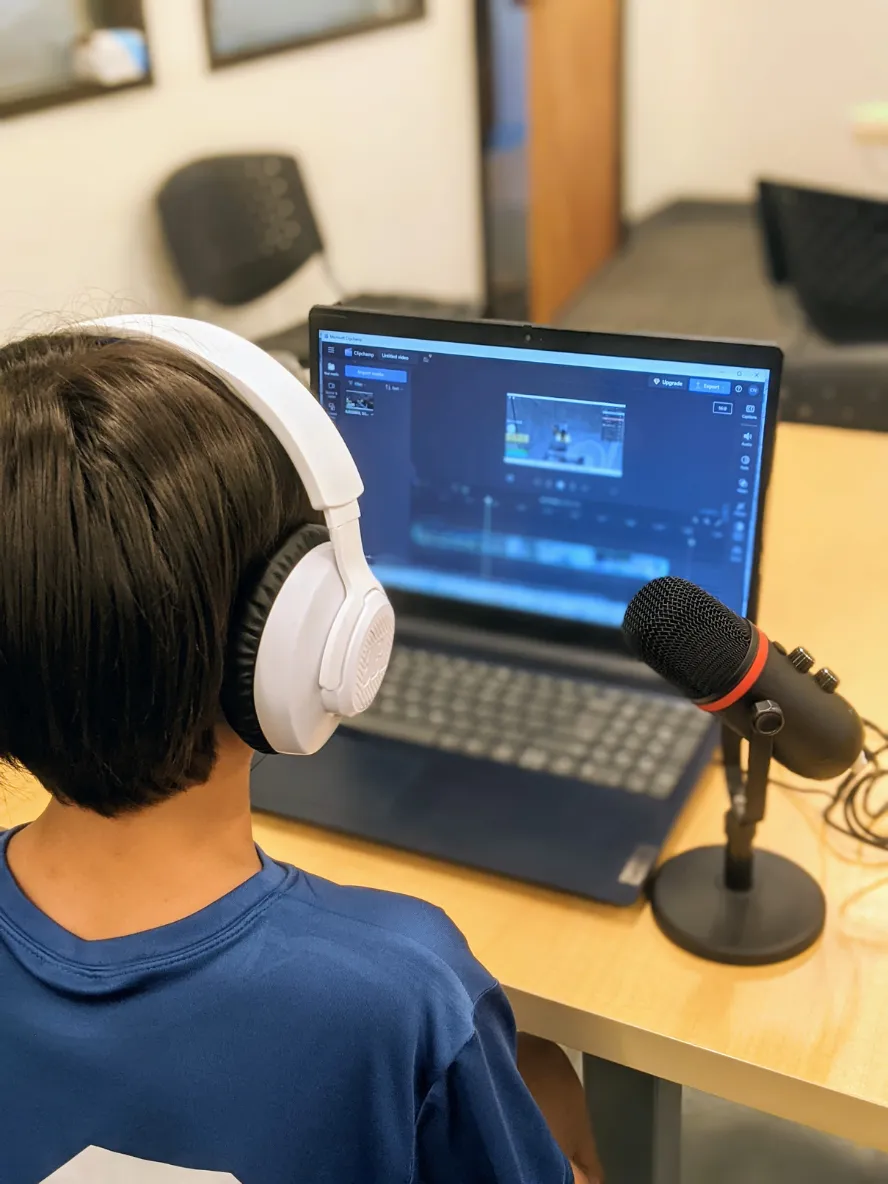
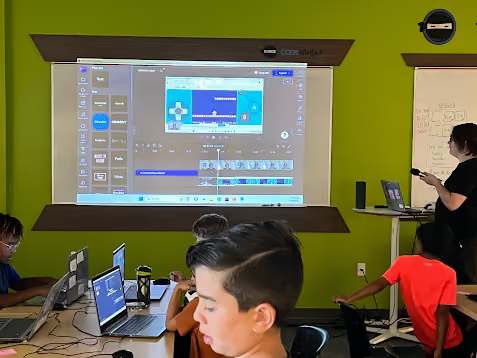
  • Met Microsoft Clipchamp — timeline, trimming, transitions, text overlays, and webcam recording
  • Built a channel trailer combining the AI video with a personal webcam intro, transitions, and a "subscribe" call-to-action
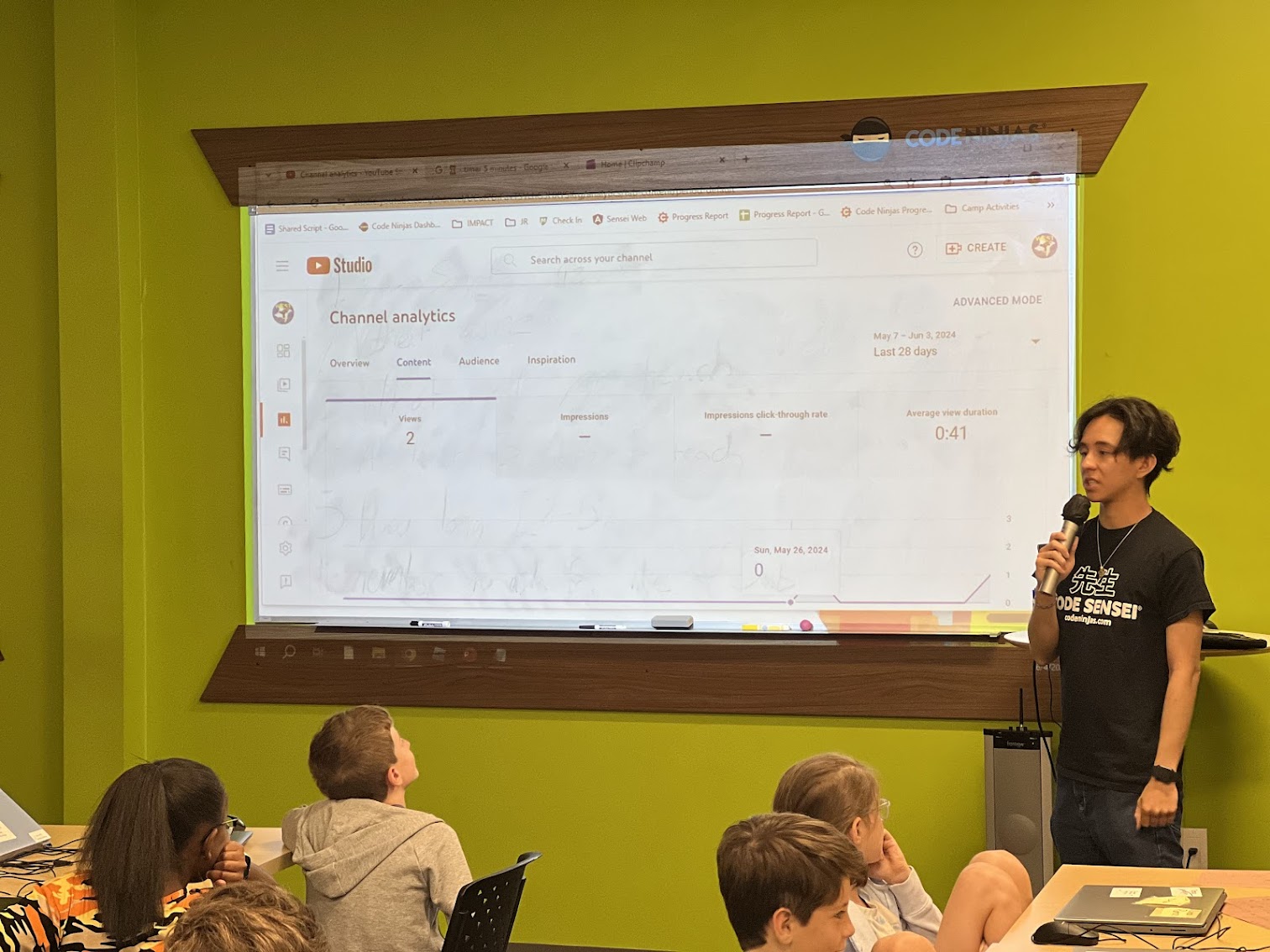
  • Toured YouTube Studio Analytics — views, watch time, Reach, and Audience tabs
  • Held a Viewing Party to watch each other's trailers
Sound Effects, Soundtracks & Thumbnails
  • Played the Wrong Sound Challenge — picked a video clip and generated intentionally wrong AI sound effects, then layered them onto the timeline
  • Learned the 4 elements of a soundtrack: Mood, Style, Energy, Tempo
  • Generated a custom soundtrack with Firefly's Generate Soundtrack tool — adjusted each element to match the video's vibe
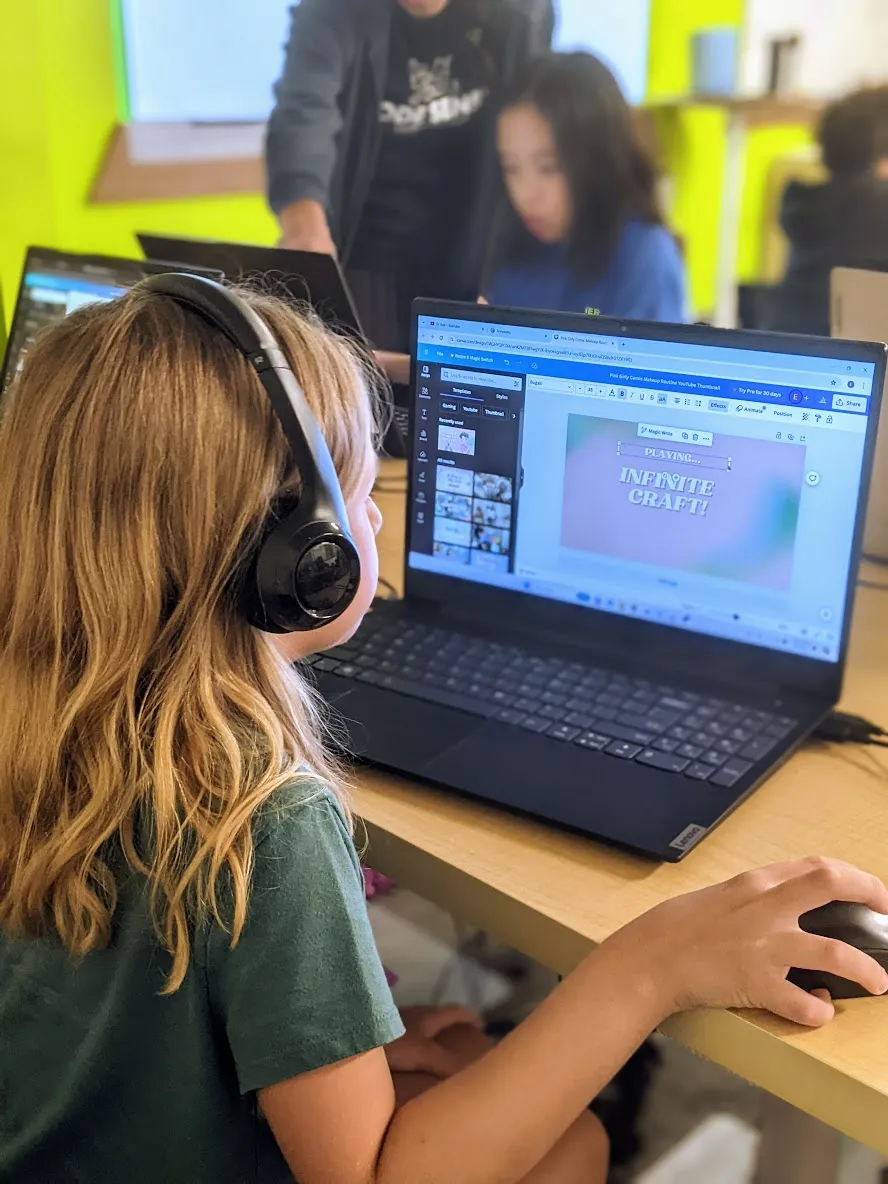
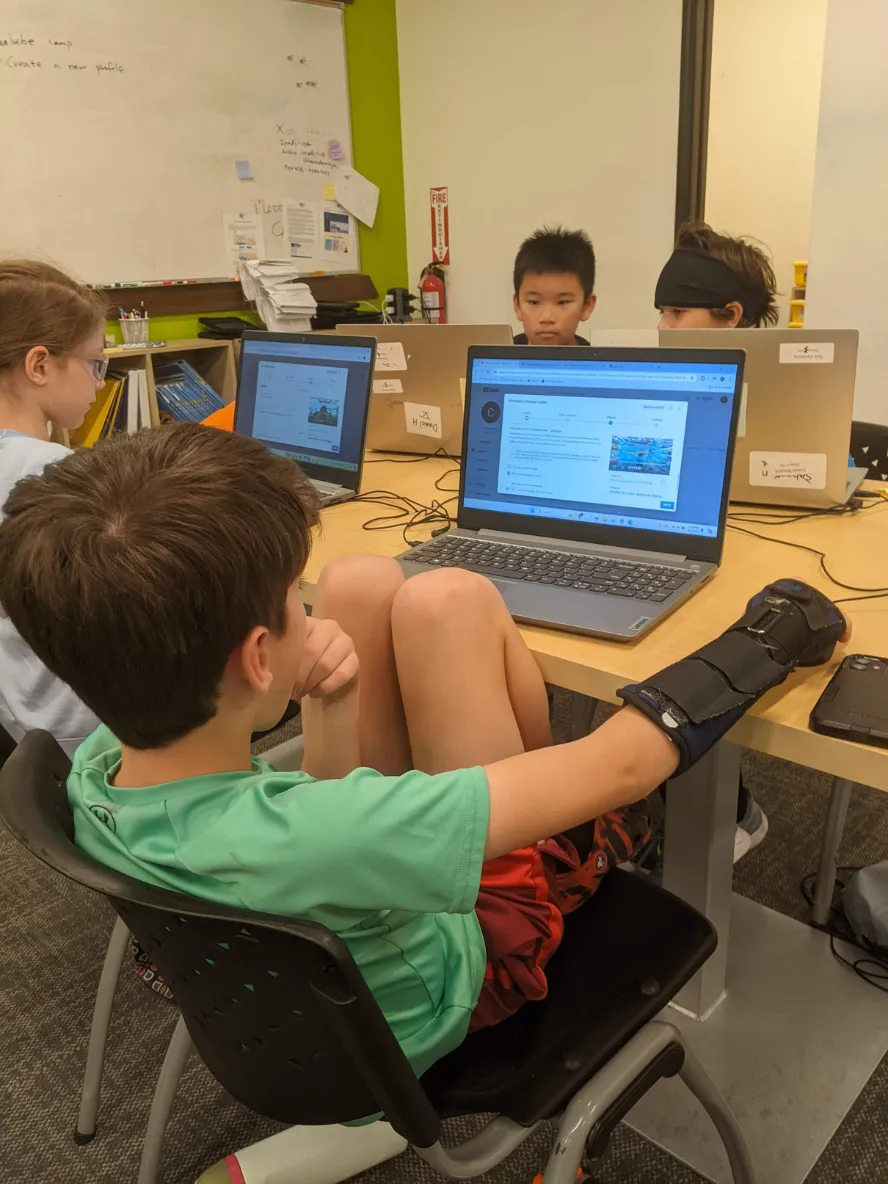
  • Designed a click-worthy thumbnail in Canva — large bold text, bright colors — and uploaded it to YouTube Studio
Capstone Video & Film Festival
  • Storyboarded a 1–3 minute capstone video — picked from a fictional trailer, a fantastical animal video, a prank news report, or their own idea
  • Gathered media from Adobe Firefly, Pixabay, Pexels, and Mixkit — plus AI-generated images and sound
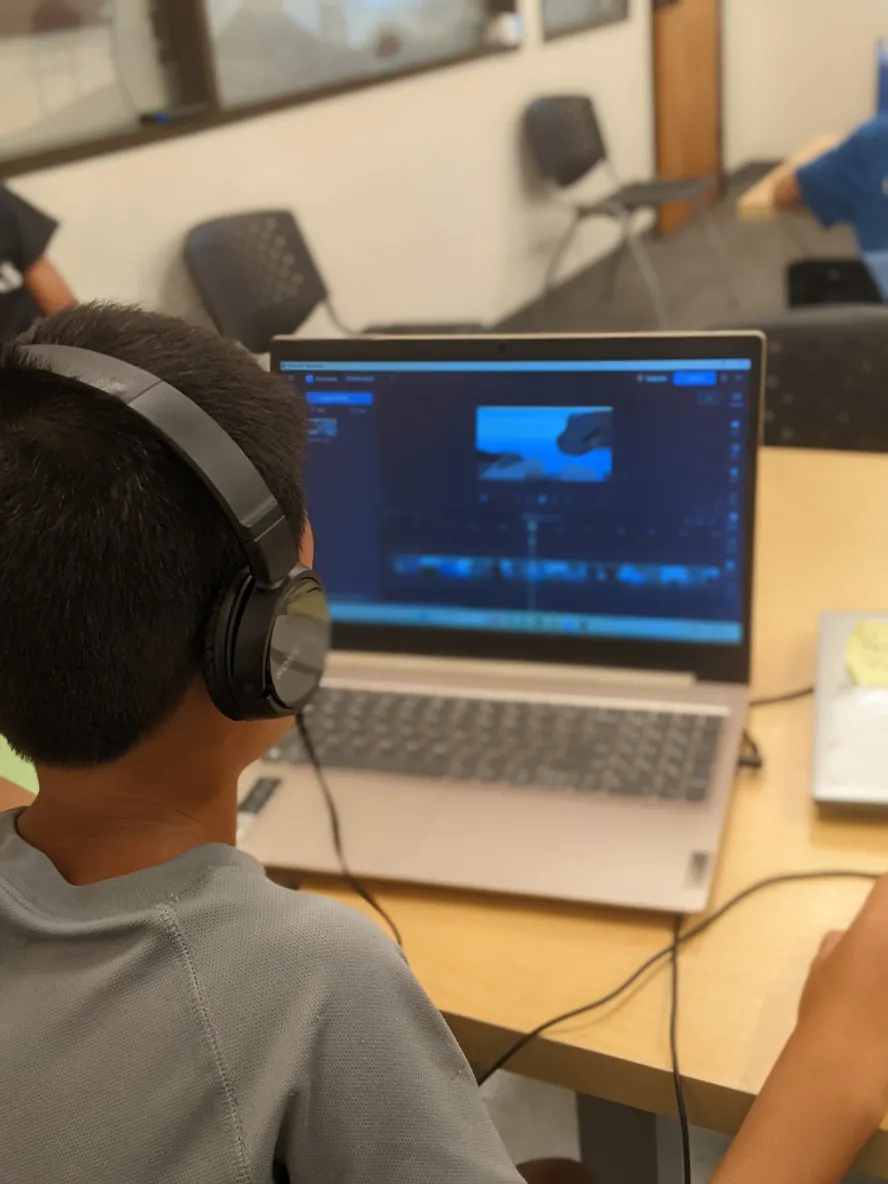
  • Edited in Clipchamp — trimmed clips, added transitions, title text, and a soundtrack
  • Watched a Sensei demo the full YouTube upload workflow — timestamps, cards, and end screens
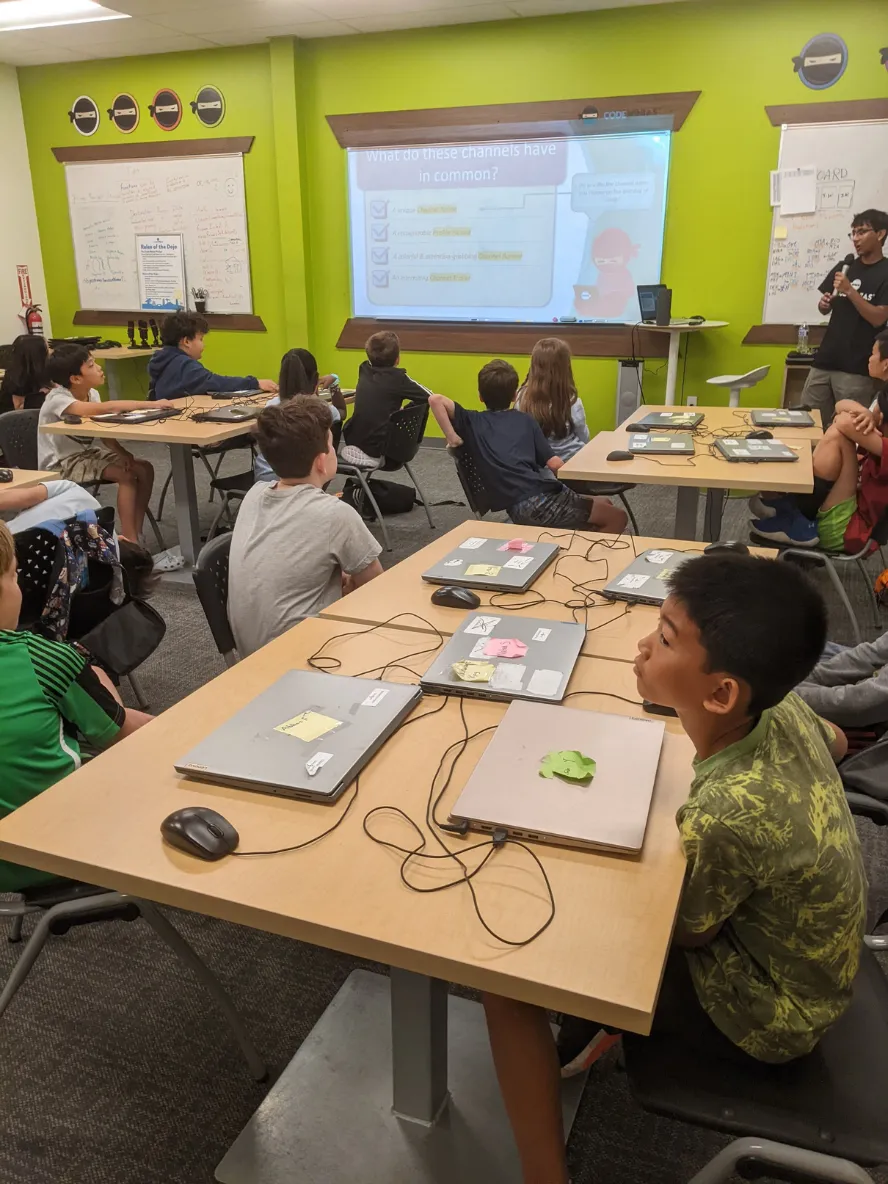
  • Wrapped with a Film Festival — gathered around the projector to watch each other's favorite videos and celebrate the week

What's Next?

Camp week is over, but the coding doesn't have to stop. Join us for our next FREE workshop on August 22 — 90 minutes of hands-on coding and AI.
Workshops

GRADES 2-8

One-Time
90 min

Try coding and AI through beginner-friendly, hands-on projects. Workshops are a great way for kids to explore STEM and see what Code Ninjas is all about.
Or come in for a free 30-minute trial →

Moments in the Dojo

Feel free to call or text us during business hours. Please note: our doors open only when classes are in session.

Copyright © 2026, Code Ninjas West Katy.
All rights reserved.